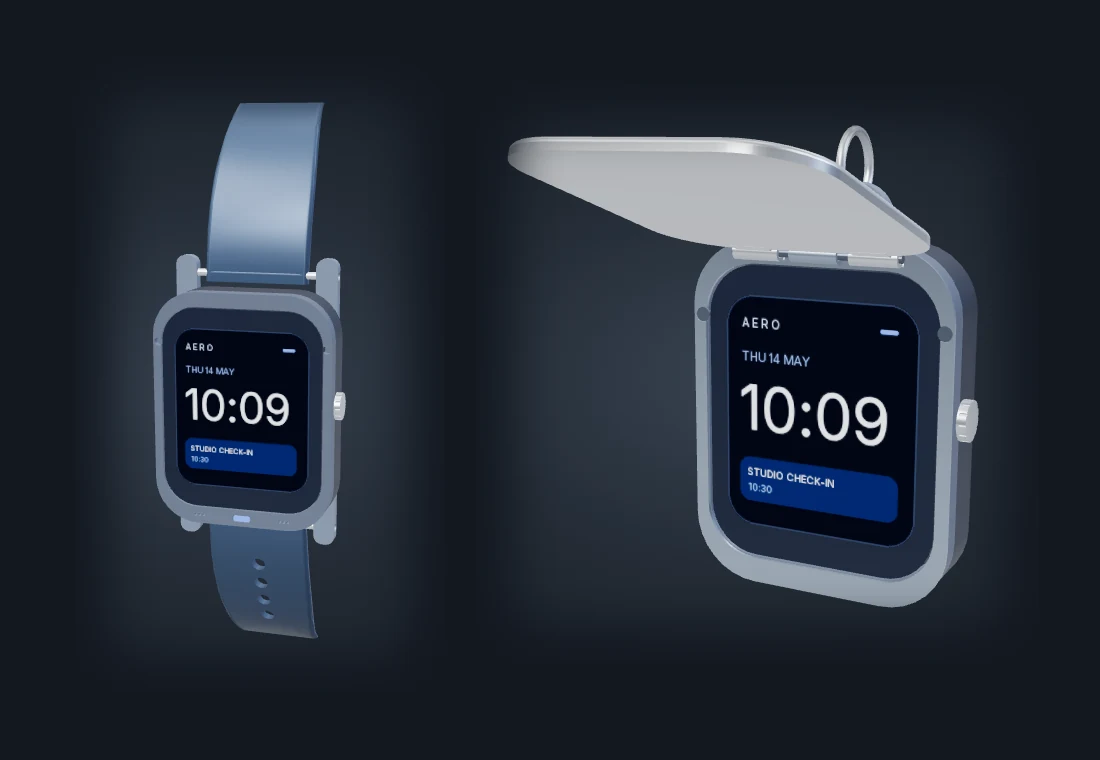
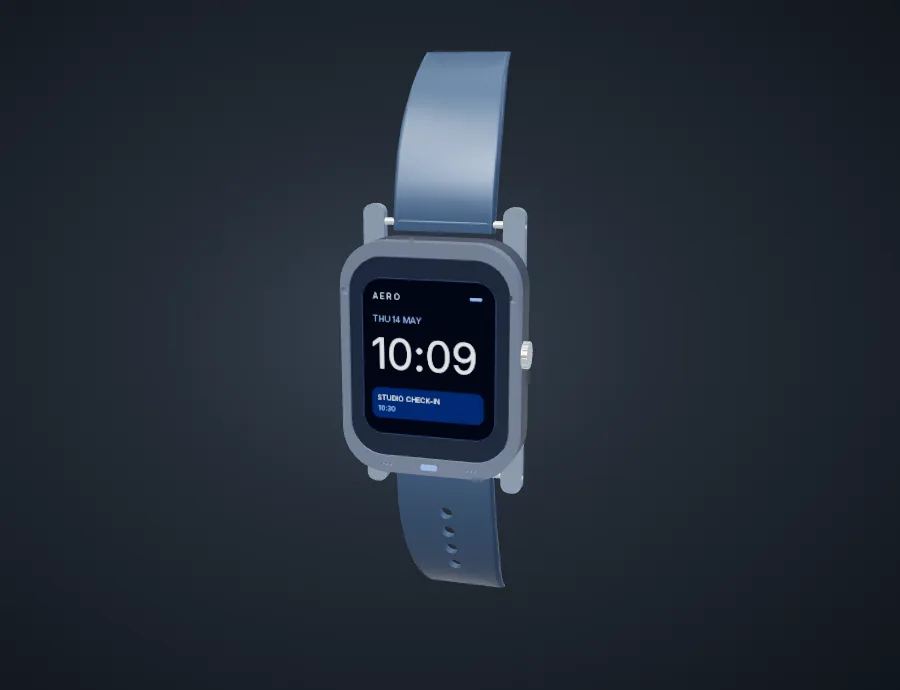
A watch when you need a screen. A locket when you want it covered.
The same touch display and voice controls fit a watch strap, pendant, keyring, or shirt clip. A satin-metal lid flips open or lifts off with its collar.
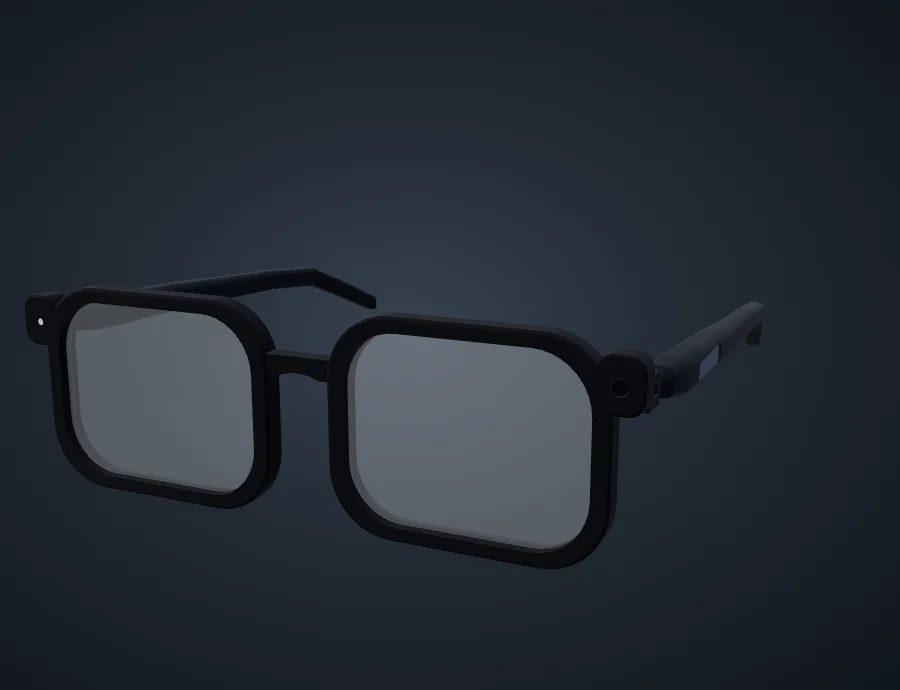
Rounded rims, clear lenses, and a flush camera window. The 135.2 mm frame puts the service access on the temples and leaves processing to a phone or laptop.
R02 CAD fit model with clear lens gauges and separate camera and light windows.
Built around the wearer
Everyday fit
49.4 mm nominal lens width, a 19.2 mm bridge and tapered temples. The clear lenses are fit gauges.
Service access
Low-profile doors open into the temples. The USB bench evaluates the independent capture permit and the outward light.
Phone-first processing
The software design keeps short voice requests local when possible and asks before a supported cloud handoff.
The CAD establishes fit. Optics, battery life, capture quality, weight, and comfort need a measured prototype.
The proposed wearable brings a short voice request into the Aero workspace. Say, “Remind me to send the lab notes at six,” then review the suggested reminder on your phone.
01
Request
Hold a request control to capture a short clip. The design calls for a visible recording indicator and an independent mute.
02
Review
Check the draft on the phone. Aero can use context you have made eligible and the model you choose.
03
Decide
Approve the proposed reminder, revise it, or discard it. Aero already supports reviewed actions in the workspace.
Aero Locket brings a glanceable screen, interchangeable mounts, and a lid into the same design as a short voice request. The paired phone is where you review changes to your workspace.
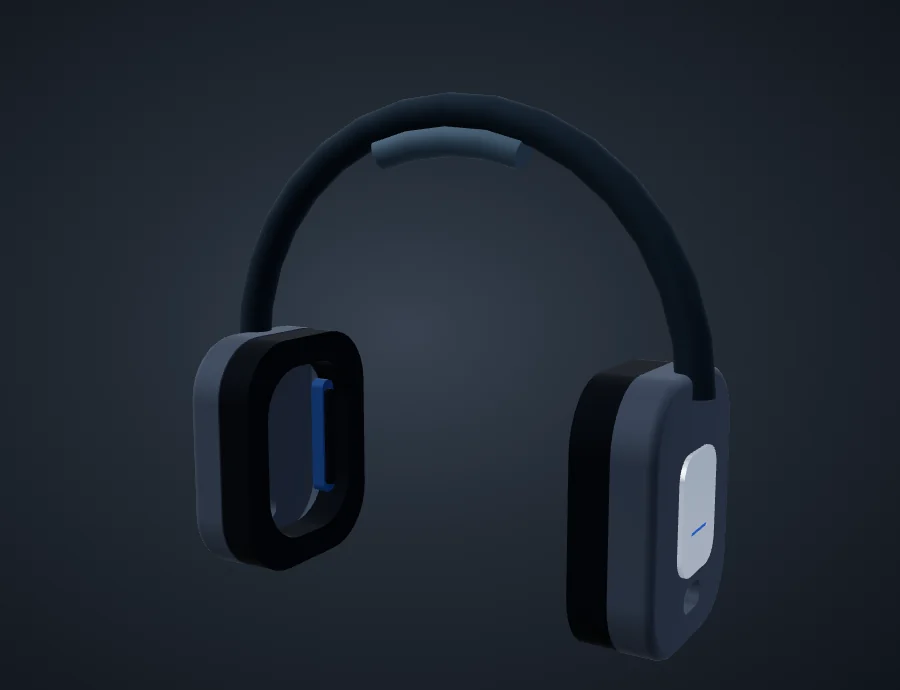
Aero Locket design and two reference wearables
Device
Documented workflow
Hardware status
Aero Locket
Watch and accessory modes with a shared display and voice core. Aero on Android can already turn a short clip into a reviewed draft.
Digital fit model and screen simulator. Hardware development follows the existing development-board bench.